
How Fast Should Your Website Load? Speed Guide for Businesses
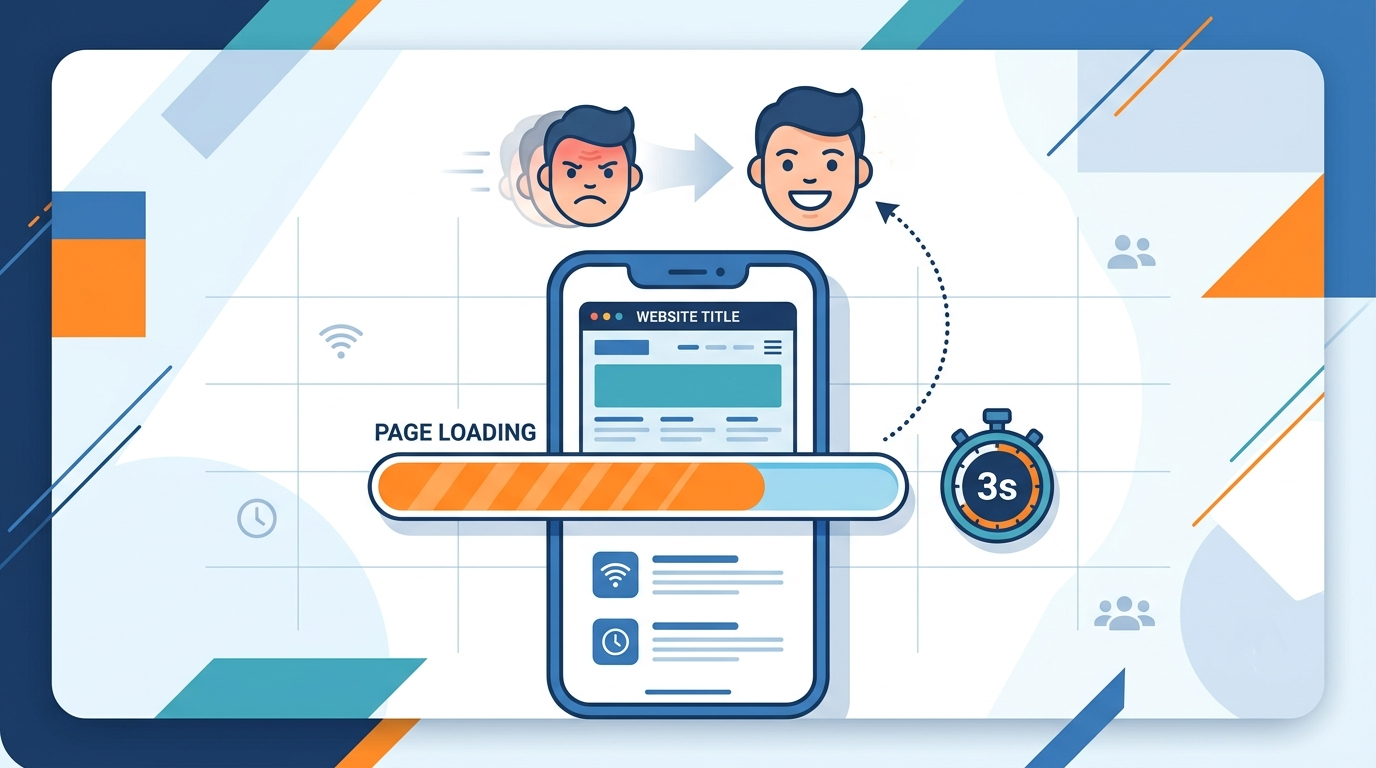
Three seconds. That's roughly how long a visitor in Rohtak, Bahadurgarh, or anywhere else in India will wait before tapping the back button on your website and most business owners have no idea their site is that slow.
You spent money getting a website built. You spent more getting people to visit it through Google, Instagram, or a friend's recommendation. But if that website takes 6, 8, or 10 seconds to open on a phone, most of that effort is wasted before the visitor even sees your homepage. In India, where the majority of browsing happens on mid range phones over 4G, speed isn't a technical detail. It's the first impression, and often the only chance you get.
This guide breaks down exactly how fast your website should load, why Indian users are especially unforgiving of slow sites, how to check your own site's speed in two minutes, and what actually causes the delay in plain language, no developer jargon.
Table of Contents
- Why Website Speed Matters More in India Than Anywhere Else
- So, How Fast Should Your Website Actually Load?
- How to Check Your Website's Speed in 2 Minutes
- What's Actually Slowing Down Indian Business Websites
- Speed and Trust Go Together
- How Smart Monki Approaches Website Speed
- A Quick Speed Checklist for Business Owners
Why Website Speed Matters More in India Than Anywhere Else
Indian internet usage is overwhelmingly mobile-first. Most of your customers are searching for you on a phone, often on a mobile data connection that fluctuates between 3G and 4G depending on where they are inside a market, on a highway, or in a building with weak signal. A website built and tested only on office Wi-Fi can feel completely different on a customer's actual phone.
There's also a patience gap. Google's own mobile research shows that as page load time increases from 1 to 3 seconds, the chance of a visitor bouncing rises sharply. For a Rohtak business competing with two or three others in the same Google search, a slow site simply hands the customer to whoever loaded first.
Speed also directly affects your Google ranking. Search engines use page experience signals load speed being a major one to decide which sites deserve to rank higher. A beautifully designed website that loads slowly will often rank below a plainer one that loads fast, which is why SEO and site speed are so closely tied together. If your business depends on local SEO to bring in customers, speed isn't optional it's part of how you'd rank on Google's top 3 results in a competitive local market.
So, How Fast Should Your Website Actually Load?
Here's the benchmark that matters: your website should ideally load its main visible content in under 2.5 seconds on mobile, and be fully interactive within 3 seconds. Anything beyond that, and you start losing visitors before they've even read your headline.
Google uses a set of measurable benchmarks called Core Web Vitals to judge real world speed and usability. Here's a simplified version of what "good" looks like:
| Metric | What it measures | Good target |
|---|---|---|
| Largest Contentful Paint (LCP) | How fast the main content appears | Under 2.5 seconds |
| Interaction to Next Paint (INP) | How quickly the site responds to taps/clicks | Under 200 milliseconds |
| Cumulative Layout Shift (CLS) | How much the page jumps around while loading | Under 0.1 |
You don't need to memorize these terms to run your own business. What matters is this: if your site takes noticeably longer than 3 seconds to feel "ready" on a phone, it's costing you customers, leads, and Google visibility even if nobody has told you that directly.
How to Check Your Website's Speed in 2 Minutes
You don't need a developer for this first step. Open Google's free PageSpeed Insights tool, paste in your website URL, and run the test on the "Mobile" tab specifically desktop scores are almost always better and can be misleading. The report will show your load time, a score out of 100, and a list of specific issues slowing you down.
GTmetrix is another free option that shows a visual "film strip" of how your page loads second by second, making it easy to see where visitors start losing patience. If your score feels low, our guide on 7 ways to increase traffic on your website covers fixes that improve speed and traffic together.
What's Actually Slowing Down Indian Business Websites
After auditing dozens of local business sites, a handful of causes show up again and again and almost none of them require rebuilding the entire website to fix.
Oversized, uncompressed images
This is the single biggest speed killer we see. A single banner photo straight from a phone camera can be 4-5 MB. Multiply that by five or six images on a homepage, and you're forcing every visitor to download tens of megabytes before they see anything. Compressing and resizing images correctly can cut load time dramatically without any visible drop in quality.
Cheap or overcrowded shared hosting
Many small business websites sit on the lowest-tier shared hosting plan, sharing server resources with hundreds of other unrelated websites. When one of those sites gets a traffic spike, everyone sharing that server slows down including yours, for no fault of your own.
Too many third party scripts and plugins
Chat widgets, tracking pixels, review pop-ups, and extra plugins each add their own loading time. Individually, none of them feels heavy. Stacked together, they can add several seconds before the page becomes usable.
No caching or content delivery setup
Without caching, your server rebuilds the entire page from scratch for every single visitor, every single time. A properly configured caching setup can serve returning visitors a near-instant version of the page instead.
Render blocking code
Some websites load all their design and script files before showing any content at all, leaving visitors staring at a blank white screen for the first few seconds. Reordering how these files load without changing how the site looks often fixes this.
If any of this sounds familiar, it's worth reading our breakdown of the 7 signs your business website is losing customers, since slow speed is almost always one of them.
Speed and Trust Go Together
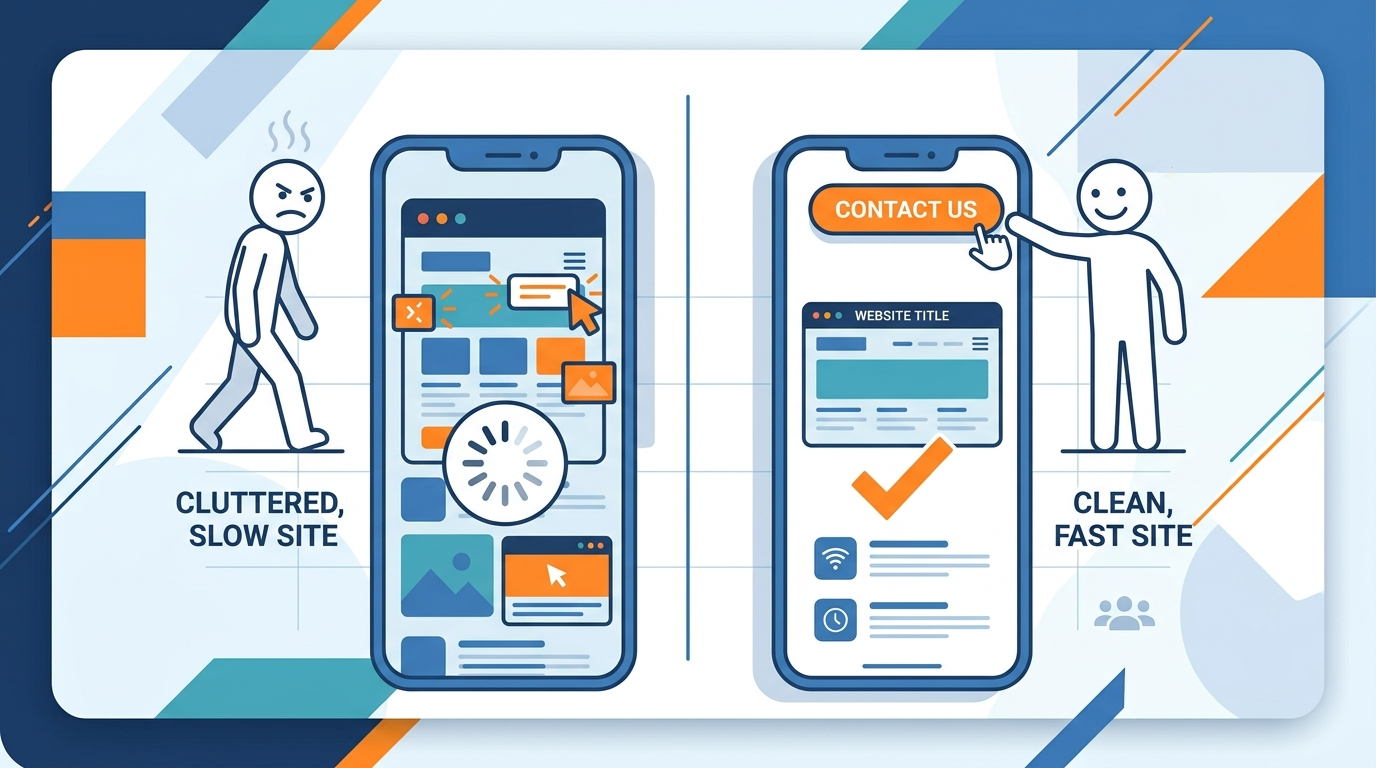
There's a psychological side to this too. Indian customers, especially in tier 2 and tier 3 cities like Rohtak and Bahadurgarh, are still forming their sense of trust in online businesses. A slow, clunky website quietly signals "this business hasn't invested properly" even if the actual product or service is excellent. Speed is one of those invisible factors that shapes first impressions before a single word on the page is read.
On the flip side, a fast, clean-loading site even a simple one signals professionalism. It tells the visitor this business takes its online presence seriously, which matters just as much for a coaching institute in Rohtak as it does for a retail store in Bahadurgarh. We covered this trust factor in more depth in our guide on what every business owner should know before building a website, and in how website design turns visitors into customers.
If you're still exploring what goes into a properly built site including speed before you commit to anything, our beginner-friendly explainer on what website design actually means and our transparent website design cost guide for Rohtak are both worth a read.
How Smart Monki Approaches Website Speed
At Smart Monki, speed isn't an afterthought we bolt on at the end of a project it's built into how we design and develop every website from the first line of code. That means proper image optimization, clean code structure, and hosting recommendations that actually match the size of the business, instead of a one-size-fits-all setup that looks fine on paper but slows down the moment real traffic shows up.
We also test every website we build on real mobile conditions before handing it over, not just on a fast office connection, because that's how your actual customers in Rohtak and Bahadurgarh will experience it. This is part of why businesses come to us not just for a website, but for a website that's built to perform you can see our full approach on our website design and development service page.
Speed and search visibility are closely linked too, which is why our SEO services always include a technical speed check as a starting point there's little value in ranking a page that visitors abandon before it finishes loading. If you'd like to see how this plays out in practice, our piece on how websites generate more leads covers the connection between performance and actual enquiries.
A Quick Speed Checklist for Business Owners
- Test your site on PageSpeed Insights mobile tab specifically
- Check if your homepage loads under 3 seconds on your own phone's mobile data (not Wi-Fi)
- Ask your developer if images are being compressed before upload
- Review how many chat widgets, pop ups, and tracking scripts are running at once
- Confirm your hosting plan matches your traffic not just your budget
- Re-test after every major update to the site, since new content can quietly slow things down again
None of this requires rebuilding your website from scratch. Most of the time, it's a focused round of fixes the kind we walk through in our guide on proven ways to increase website traffic for business growth, since traffic and speed work hand in hand.
Enjoying our content? Make us a preferred source on Google.
Add us as Preferred Source